Coding agents in a local microVM
ai-sdk-sandbox-sbx runs a HarnessAgent (Claude Code, Codex, OpenCode…) in a Docker Sandbox on your machine, through the sbx CLI.
import { HarnessAgent } from '@ai-sdk/harness/agent';import { createClaudeCode } from '@ai-sdk/harness-claude-code';import { createSbxNetworkSandboxSession } from 'ai-sdk-sandbox-sbx';const agent = new HarnessAgent({ harness: createClaudeCode() });const sandboxSession = await createSbxNetworkSandboxSession({ ports: [4000], setup: ['npm install --global pnpm@10'], template: await agent.getSandboxTemplate(),});const session = await agent.createSession({ sandboxSession });const { text } = await agent.generate({ session, prompt: 'Write fizzbuzz in Rust and run it' });A chat with Claude Code or Codex, in a sandbox
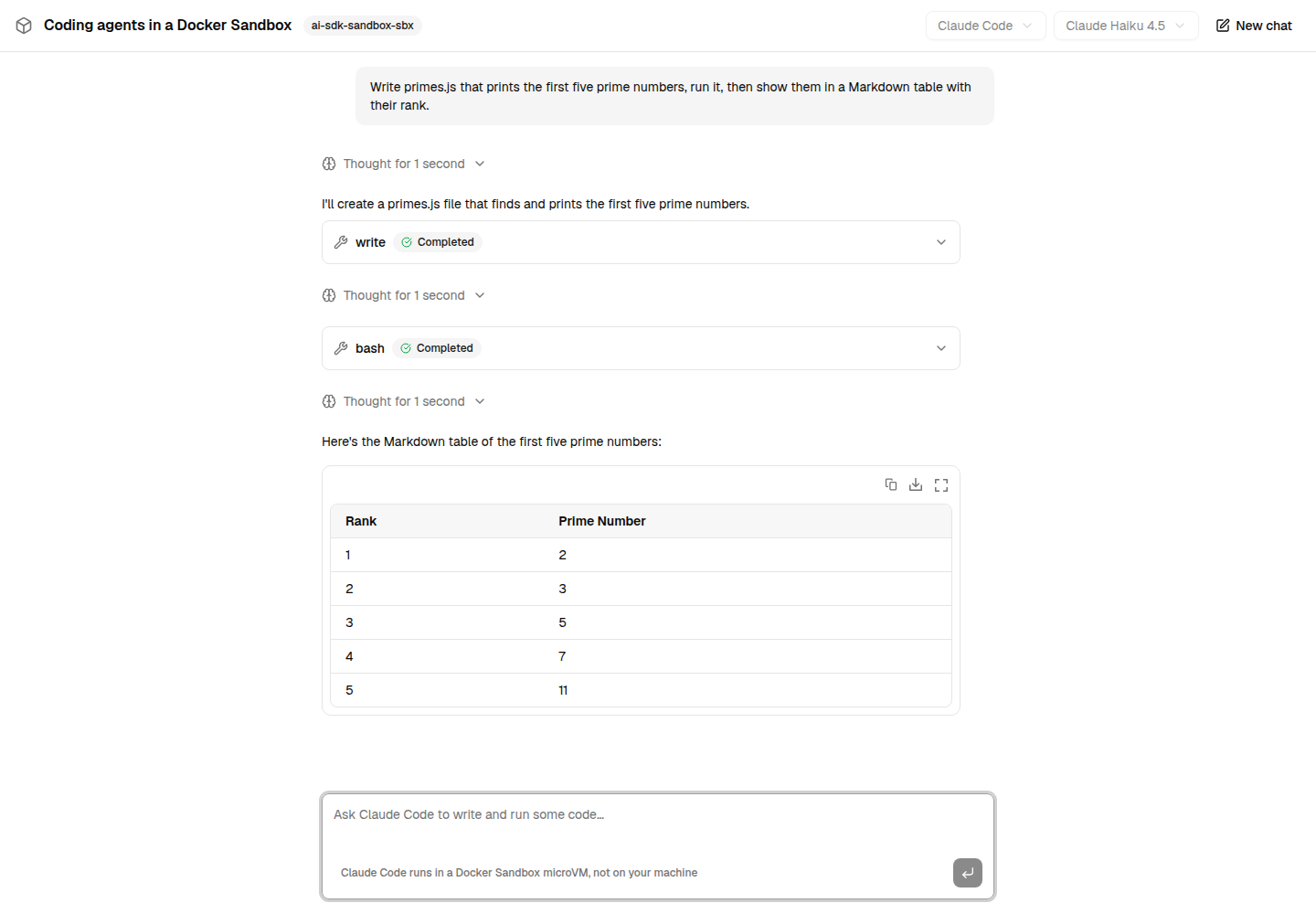
The Next.js example: useChat on one side, a HarnessAgent running Claude Code or Codex in a Docker Sandbox on the other. Every command the agent runs, it runs in the microVM.
A microVM per sandbox
Docker Sandboxes run each agent in its own lightweight VM, with its own Docker daemon, not a container sharing your kernel.
Credentials stay on the host
The sandbox only ever sees a placeholder: the Docker Sandboxes proxy swaps the real token in on its way to the API.
Harness installed once
Pass agent.getSandboxTemplate(): the first sandbox is baked into a local image, every later one starts from it in seconds.
Loopback-only ports
The harness bridge port is published on 127.0.0.1, on demand, on a port picked free on the host.
Resume across processes
Name the sandbox, keep its files, reattach to it later with resumeSbxNetworkSandboxSession().
Nothing runs on the host
Every command and file operation is an sbx exec into the VM. Variables are forwarded by name, never on a command line.